Photos
This document is in-progress.









Photos
Our photography has the most visual impact of all other brand components. Our photos entice and inspire by making products look great, demonstrating achievable techniques, and depicting aspirational goals.
Goals
Authentic
- Custom: Shoot custom images whenever possible. Stock images should only be used if custom photography isn’t practical and if a stock photo that follows these guidelines can be found.
- Real & Natural: Plants and people in our photos should appear natural, fresh, and clean. Use real props whenever possible, and ensure that any false props pass for the real thing or are not in focus.
- Attainable: Create photos that are attainable, using techniques that hobbyists could replicate without special equipment for lighting and composition.
Note: CGI, AI, and photo editing are permitted, so long as they are indiscernible from custom photography.
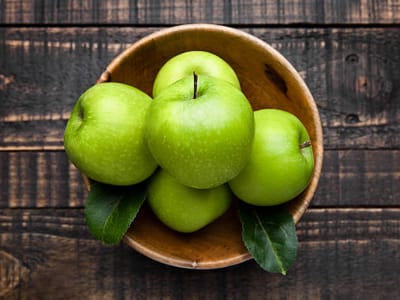 Show real objects and scenes
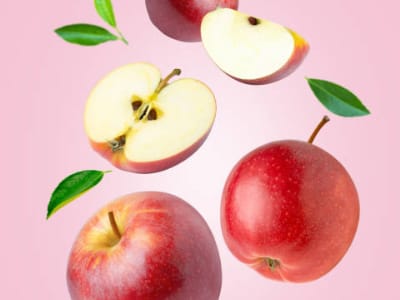 Avoid discernably unreal objects, scenes, and editing
Beautiful
Photos should showcase beautiful subjects, settings, lighting, and composition. Images should have vibrance, contrast, and illumination — all while still appearing natural.
Minimal
Photos should depict a primary subject clearly and unmistakably. Additional elements should not compete for visual attention. Subjects and surroundings should be visually distinct, and negative space should be simple or blurred.
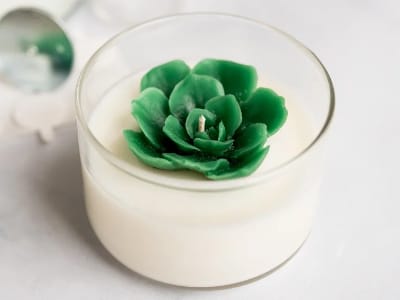 Focus and prioritize
 Avoid complexity
Human
When creating articles, demos, and product demonstrations, include human elements. Portray people as they are in real life so they are relatable and identifiable. You can even include smiling faces in primary images such as banners, merchandise, and final article shots.
Aspirational
Showcase products and finished creations in authentic home settings, similar to those found in high-quality home decor publications. Highlight how handmade home fragrance products seamlessly integrate into various lifestyles and occasions, inspiring customers to envision their creative journeys and transformations. Capture moments that evoke positive emotions and demonstrate the achievable beauty of crafting.
Subjective
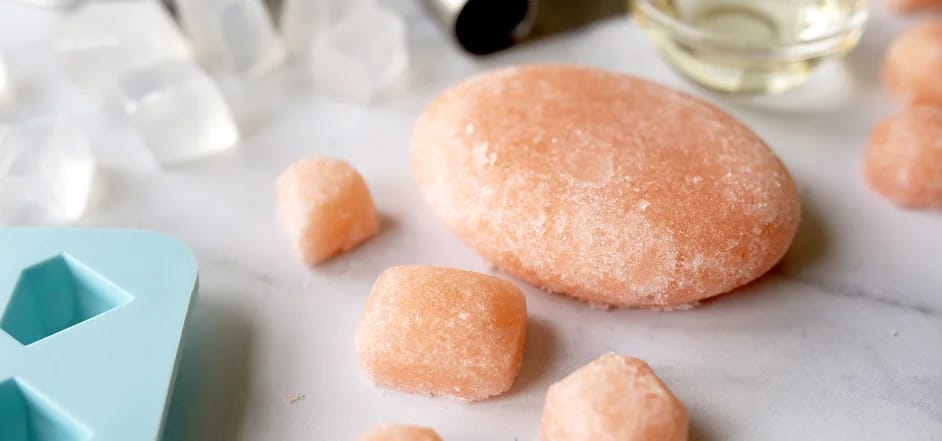
Subjective photos evoke feelings or show idealized context.
Creative Criteria:
- Home — Subjective images should appear as though they were shot in a home setting with props and accessories that imply real use.
- Aspirational — Clean, modern, and organized (yet with some life).
- Action — Some shots should be active and feature human elements: lighting candles and spraying bottles.
- Lifestyle / Realistic — Ensure that environments look genuine and authentic (home-like), while still maintaining focus with a shallow depth of field or non-competing backgrounds. (Example: an image of a candle on a coffee table shouldn’t have furniture in multiple colors behind it, which can cause visual distraction.)
- Style — Subjective photos should have a clear subject, charismatic lighting, and contextual elements. These photos appeal to the heart and hand (feelings and context).
Subjective photos should feel like imagery from a beautiful, charismatic recipe book or home design magazine, with attention given to sensory items.
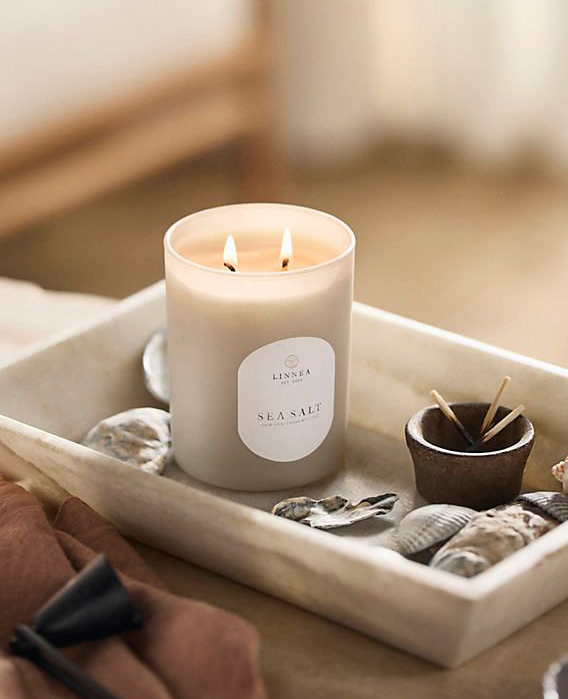
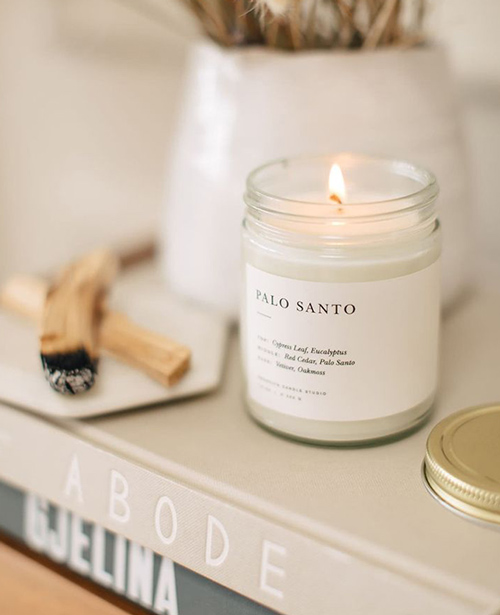
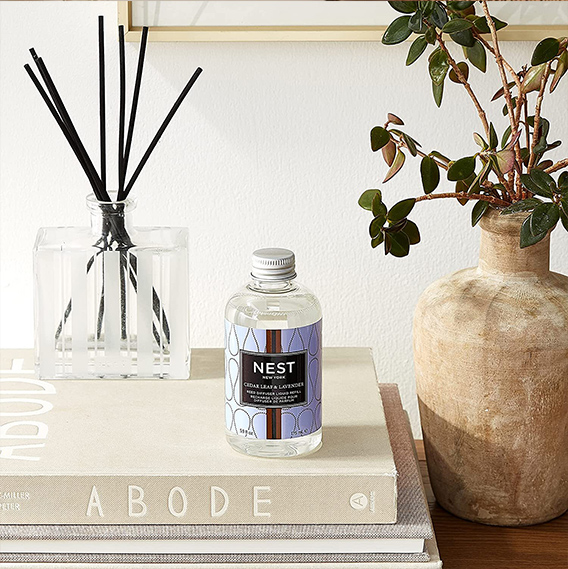
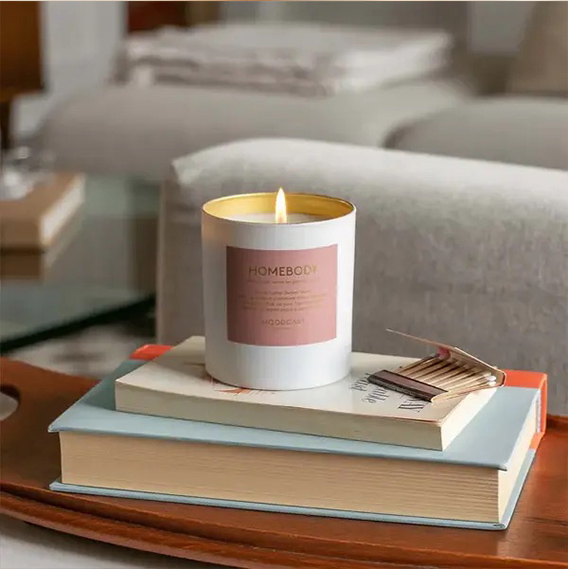
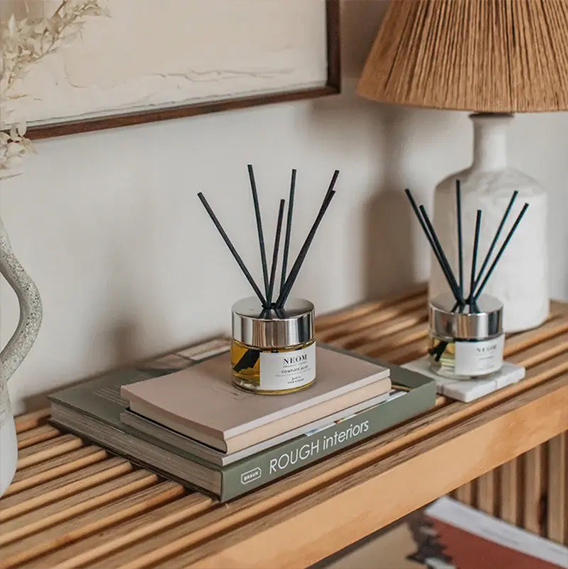
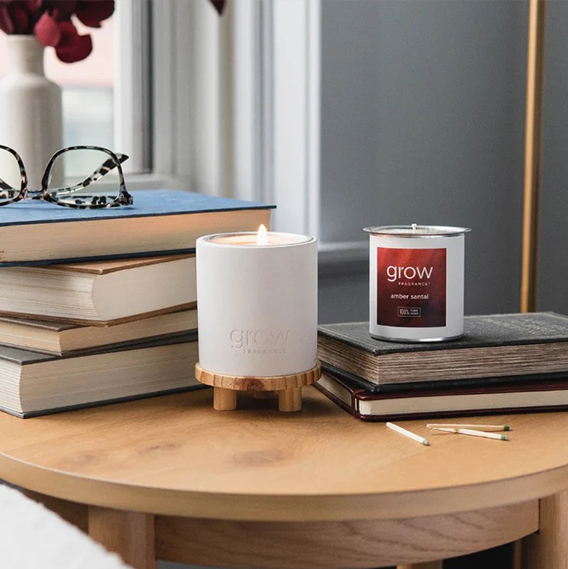
Production Direction: Side tables, bookshelves, lamps and other small furniture and decor items should be used in a studio setting if unable to shoot in a home location. The spaces should feel like a home living room, bedroom, kitchen, or bath.
Objective
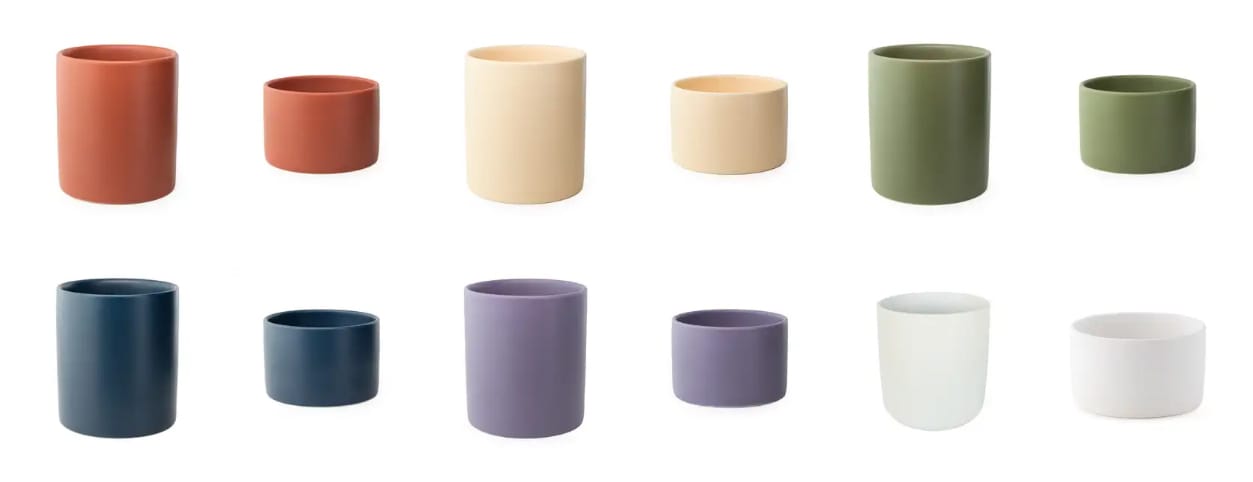
Objective photos help customers compare size, shape, color, and material.
- Style: Objective photos are usually shown in a grid or row so that customers can see all options, understand size variability, and together can be composed on a uniform canvas. These photos appeal to the head (informational).
- Standards: Objective photos should have normalized scale, angle, background, lighting, and shadow. Objects within these photos should occupy no more than 7/8 of the height and width of each square image and should be centered vertically and horizontally. Shadows may exceed this 7/8 limit but should fade to white so that the outer pixels of these images are completely white.
Note: If we detect that subjective (scenery) photographs in product grids positively affect sales, let’s change these rules. Ultimately, we’re looking for a uniform style within each grid, whether that’s objective or subjective.
Ideas: hover objective grid images to expose subjective imagery. And maybe container grids need to start with a welcome mat of a few subjective highlights.
Stock & AI
Our stock photos may supplement subjective photos only when the images align with existing styles and photo goals. Stock or generated images should appear real and authentic.
- Do not use stock photography when showing any faces.
Content
Subjects
Single Subject
Each photo should have a prominent and in-focus primary subject, such as a product, action, or person. Adjust lighting, context, and background so that the subject and its surroundings are visually distinct. As a rule of thumb, if AI is unlikely to identify an image’s intended subject and content (because of its uniformity or complexity), then that photo may need a reshoot.
White Objects
When shooting white objects on a white background, ensure that the object’s boundaries have contrast.
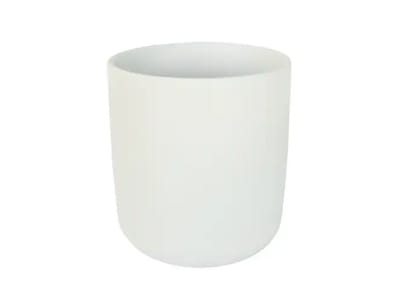 Separate object and background
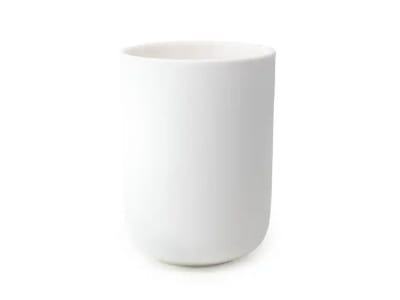 Avoid blending object and background
Dissimilar Groupings
When shooting a group of objects, ensure that one object has visual priority — or that a single cluster of objects is more prominent than the rest. Avoid shooting a wide array of scattered dissimilar objects, as this can become a forgettable texture.
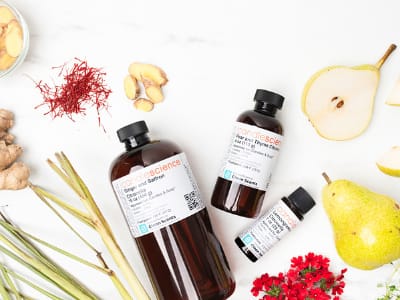 Enhance one subject or group
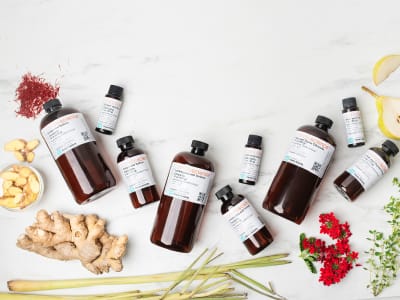 Avoid competing subjects
Similar Groupings
It’s fine to shoot a wall of similar objects, as long as the viewer can identify distinct items.
 Choose discernable images
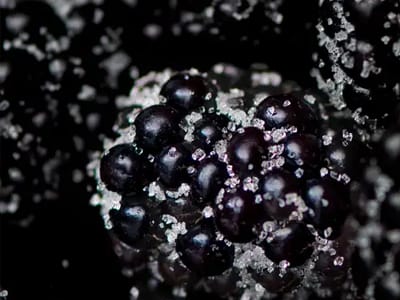 Avoid noise
Fragrance
Multiple Notes
Fragrance images should evoke the feeling, mood, or context of a fragrance.
- Figurative: Fragrance photos shouldn’t have objects for every fragrance note, and instead evoke a feeling.
- Composition: Use tight cropping, shallow depth-of-field, and soft directional lighting for scenes that are human-scale.
- Landscapes: Ensure that large-scale scenery images have a focal point without extraneous objects in the frame.
Examples:
 Close shots are inviting, authentic, and focused.
 Landscapes have a focal point and simple composition.
Single Note
This is a new category of photos that will be visually differentiated in ways tbd (macro, white background, etc)
We stopped here
People
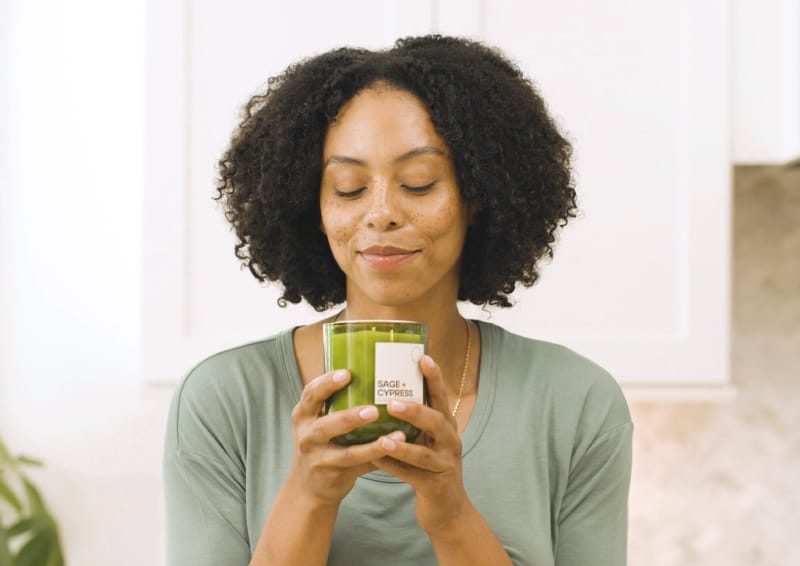
When representing crafters and the people in our community through photography, authenticity is essential. People should feel represented and understood when they see images of people on our site. Use images that portray people in a genuine, authentic manner, showcasing moments that represent them, their businesses, and their aspirations. When relevant, add a human element to images used in articles, banners, and merch. Be sure to avoid imagery that plays into stereotypes.
- Articles: Show hands creating products
- Faces: Show actual people for merch
- Inclusive: Use diverse representations of people
Style
Focus
Shoot with a shallow depth-of-field for close-up subjective photos, so that subjects can receive selective focus while context and background diminish.
Angle
The only angle that varies between photos should be “pitch” (like looking down). Avoid “roll” (like cocking your head).
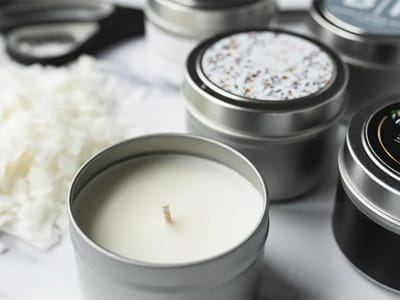
- Fragrance photos should be shot at a shallow angle (pointed 10-30deg downward).
- Layout photos may be shot directly top-down, but avoid compositions that look unnatural or unattainable by home hobbyists.
Examples:
 10-30 degrees
 Avoid dutch angle
Lighting
Photos should look like the best imagery an entrepreneur could make before investing in lighing equipment or rigging. Even if advanced equipment is used, images should look like they were shot by a window on a cloudy day with only a bounce card.
- Soft Key Light: The primary light should be positioned in front and to the side of the subject. Ideally, the key light is positioned to the left of the scene, as most shadows in our layouts fall to the right of the subject. Ensure that this key light is large, soft, or bounced.
- Soft Fill: Use a bounce card or fill light so that the dark side of the scene is not in much darkness.
- Neutral Color: Ensure that photos have a neutral color temperature and that all light elements are the same relative color.
Editing
Edit photos when necessary to adjust lighting and color so that edited photos look similarly produced to other site imagery. When altering visual content in post-production (adding, removing, altering objects), ensure that the final result looks unedited.
- Avoid stretching photographs.
- Avoid adding obvious solids or gradients onto images, even for layout purposes.
Formats
Layouts
Images used in layouts need negative space. Ensure that backgrounds are relatively uniform in value, hue, and saturation. This can be done by choosing simple backdrops and with a shallow depth-of-field, which can cause backgrounds to be blurred and subjects to be visually separated from those backgrounds.
For photos that will have overlapping text, ensure that backgrounds follow the rules mentioned above and choose backgrounds that are very light or mid-to-dark so that black or white text can be applied. These photos may require a Photoshop step to extend their negative space, which is why uniform backgrounds are preferable.
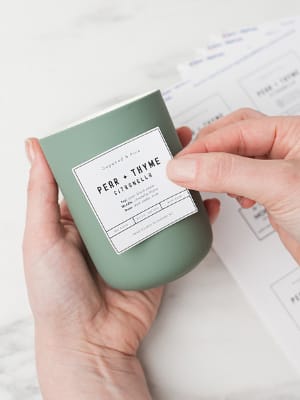 Top extendable background
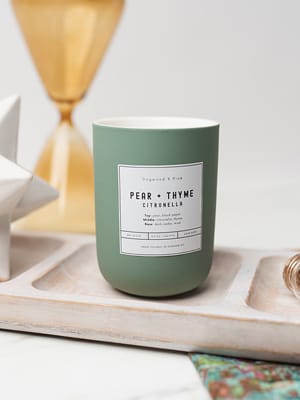 No extendable background
Photos for horizontal layouts should have negative space on their left side, with shadows pointed down and to the right. These photos can be shot vertically or horizontally, so long as complex content does not spill significantly into the left half of the photo.
Photos for vertical layouts should have negative space on their top side, with shadows pointed down and to the right. These photos can be shot vertically or horizontally, so long as complex content does not spill significantly into the top half of the photo.
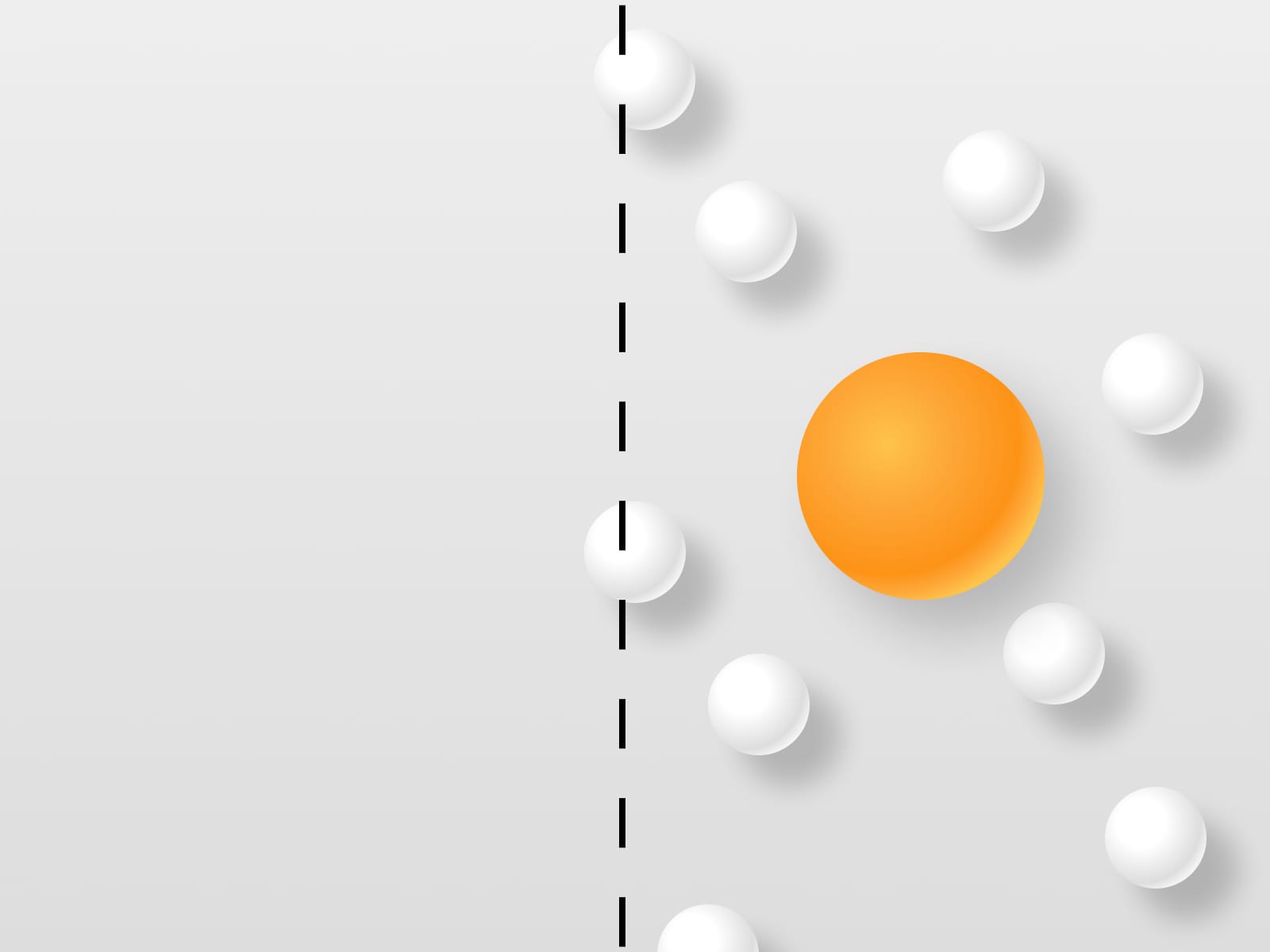 Horizontal composition
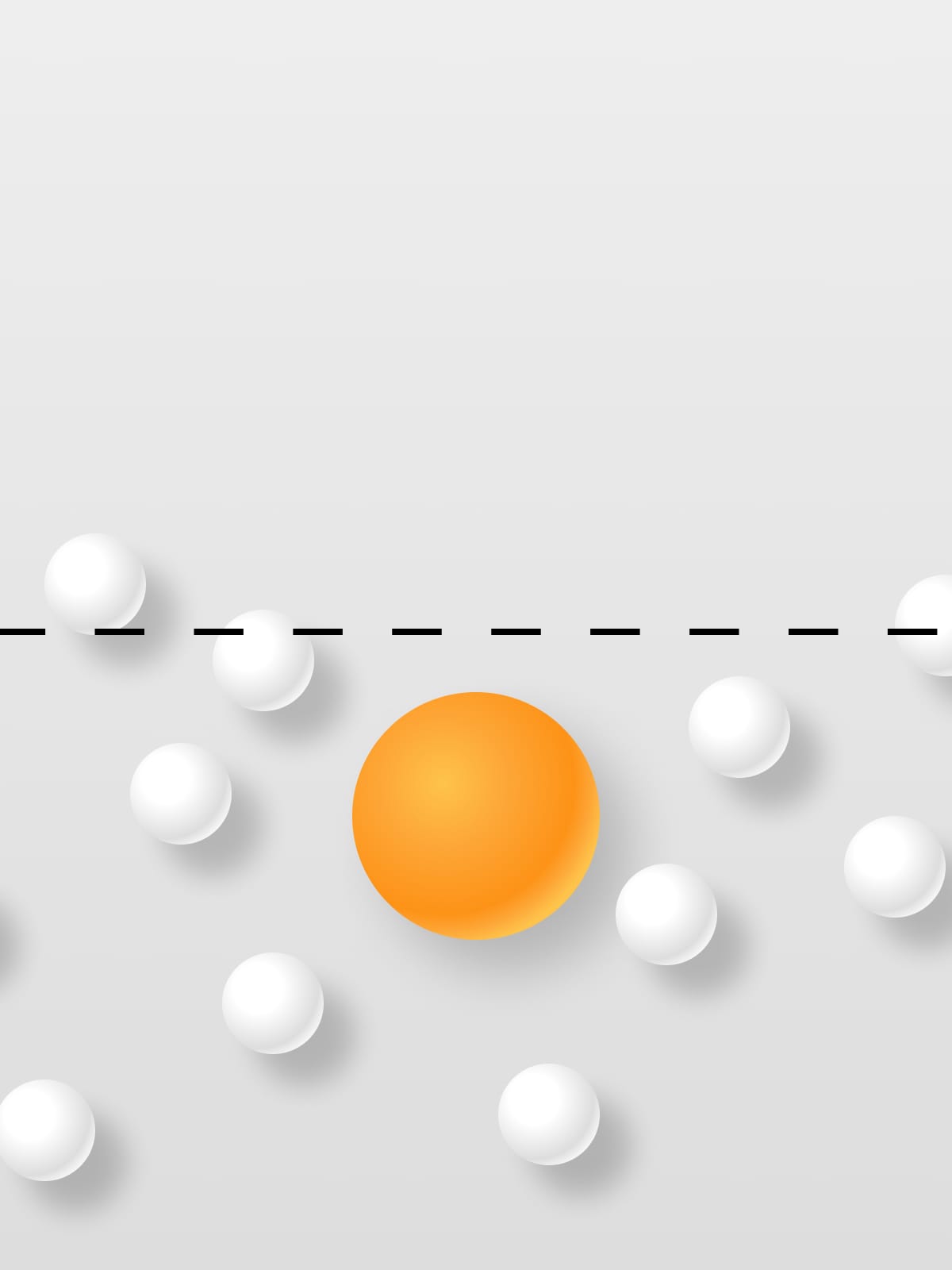 Vertical composition
Applications
Home Banners
Homepage banner photos require both large-screen and small-screen variations.
More tbd.
Ads
Most ads that we create are square.
- Top third neutral: These ads need negative space within the top third of the exported graphic.
- Not white: Web ads are most often displayed on a white background, so ensure that the photo doesn’t bleed to white, as it can become hard to identify where to click.
Examples:


Email Headers
Email headers are like homepage banners and should have a clearly-identifiable subject. These images also follow our common rules of lighting, focus, angle, and editing. These graphics tend to be about 600x720 vertical.
- Top half neutral: Since email headers often contain a logo, headline, and paragraph, they need headroom.
Examples:
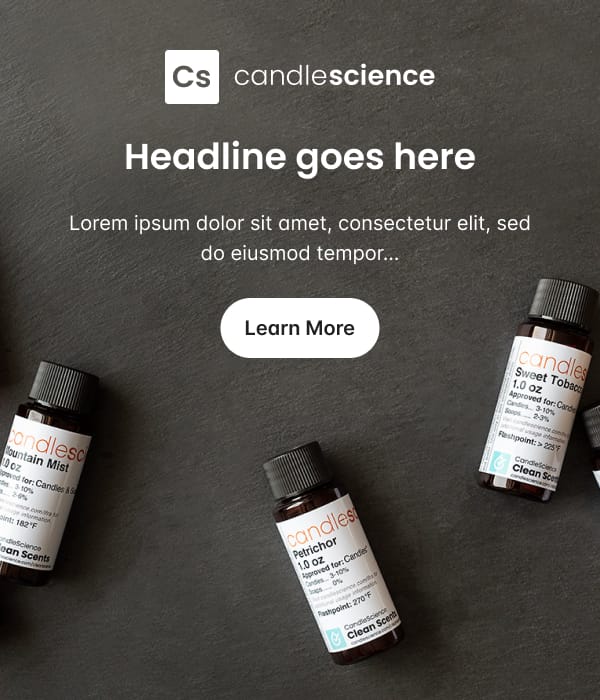
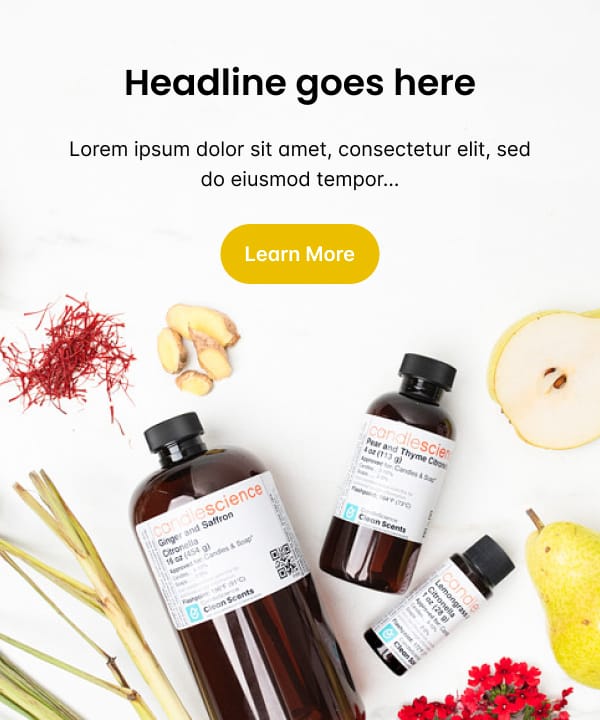
Note on color:For consistency, background and button colors can be pulled from a highlight color in the image. One guideline to remember is to make sure there is adequate contrast between the background or button color and our default dark or white font color.
Products
Product images should be exported as square images.
- Subjective photos (for fragrance, wax, wick, bases, and secondary images) follow the subjective rules outlined above. Ensure that these products use this default subjective photo, so that when viewed within a collection/grid, all similar products appear equally charismatic.
- Objective photos (for containers, equipment, and alternate packaging) follow the objective rules outlined above. Ensure that these products use this default normalized photo so that when viewed within a collection/grid, all similar products have normalized lighting, angle, background, and scale.
Articles
- Business articles: Simple, clean, neutral (white/marble)
- Tutorials: (same) minimize distraction
- Inspiration: Can be creative and differentiated per product idea (mermaid, shimmery)
Notes
- add content about ai