Type
Typographic style makes content legible, scannable & expressive. This document is in-progress.






Fonts
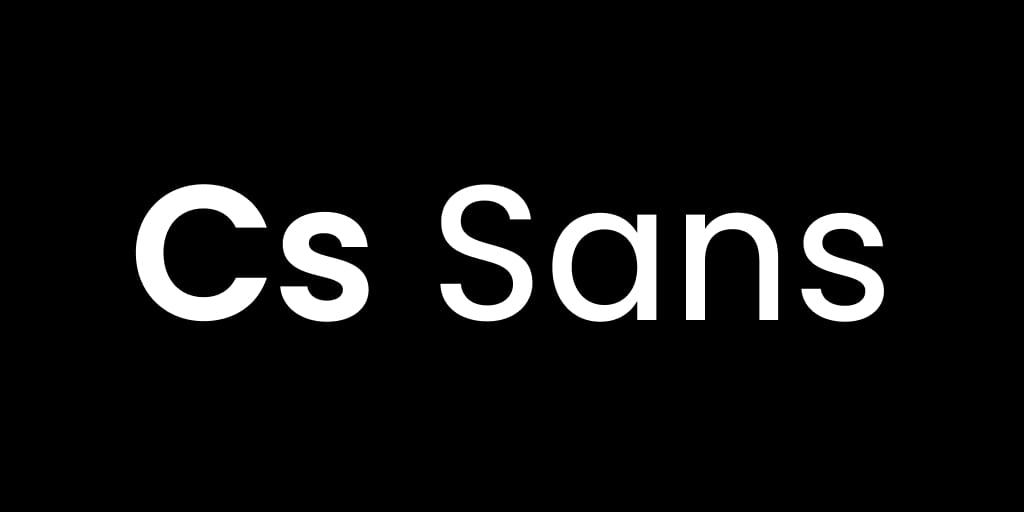
CS Sans: Regular & Bold
Our custom font CS Sans is derived from Poppins, which mimics the geometric forms of the original CandleScience logo. The font is remastered with updated spacing, kerning, and ligatures. Regular weight characters are be more narrow and tracked for legibility, and certain characters are drawn to fix interface type shortcuts. The font has simplified weights Regular, Bold, Italic, and Bold Italic, where contrast between weights and slants is reduced for improved texture in long-form copy.
CS Sans: Italic
Italic characters have minor variations and flourishes, which we can extend as needed.
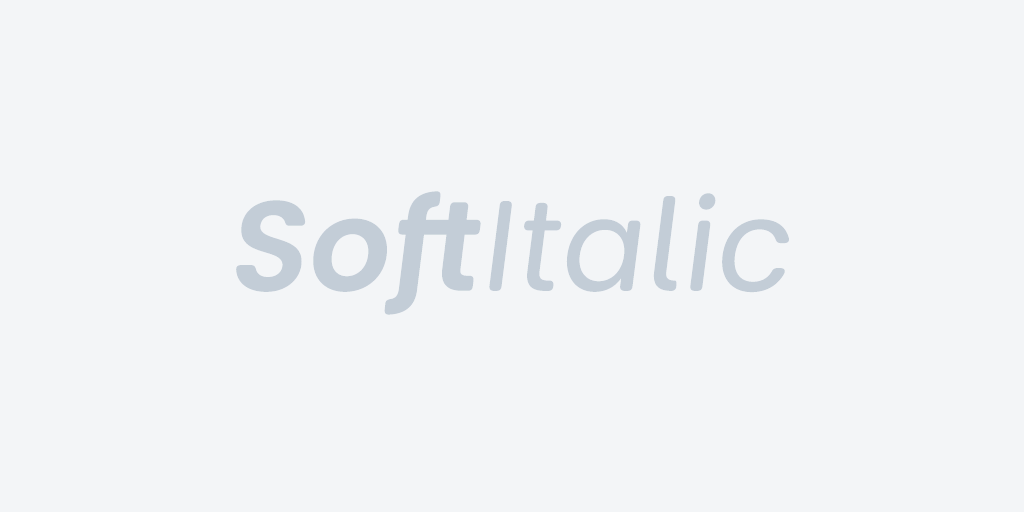
Additional Options
In addition to Regular, Italic, Bold, and BoldItalic weights and styles, we have a Demi and DemiItalic version available, as well as a special Soft version available upon request.
Spacing
Line heights should adapt to font size
- Body copy should have a line-height of 150% (i.e. 1.5x font size).
- The large headline should have tigher line-height, near 100%.
- Medium-sized texts should have an intermediate line-height of 125%.
Separating texts
Ensure that headlines and their following paragraphs appear no closer the space between a lines of a multi-line headline. (The distance between the headline’s first baseline and next x-height should be smaller than the distance between the headline’s last baseline and the proceeding paragraph’s first x-height.)
OpenType
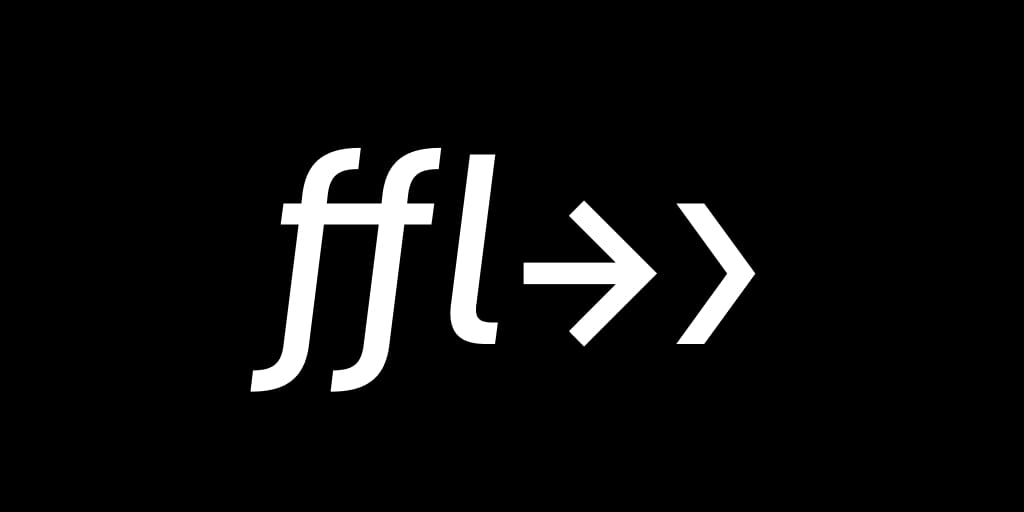
Our font corrects some common issues with text. Spacing is controlled with kerning pairs (To, We) and ligatures (fi, ff, ffi). Wayfinding characters, like angle brackets have been modified to look like directional arrows ›, and a combined hyphen and angle bracket will yield a full arrow ->. Dashes have more space—to correct for optical legibility—as most style guides do not suggest spaces around these characters.
Glyphs
Chevrons
Links that aren’t buttons but need a more obvious interactive purpose should be followed by a space and right chevron (single guillemet). Angle brackets and chevrons have identical shapes, which should hide some interface issues automatically. Example:
Arrows
A hyphen and right angle bracket will merge to an arrow. Example:
- This is an arrow ->
Dots
Use middot or bullet to separate details when space is limited. Example:
- Essential Oil • Floral, Herbaceous, Camphorous
Special Ligatures
We can add features to this font to suit our needs. Example:
- This is our logo, and is typed
icon:logoicon:logo